5 Signs Your Inventory Spreadsheet Is About to Break
Still running your warehouse on Excel? If you see these 5 warning signs, your system is at a breaking point. Learn when to switch before data corruption costs you money.
 Jaron Schoorlemmer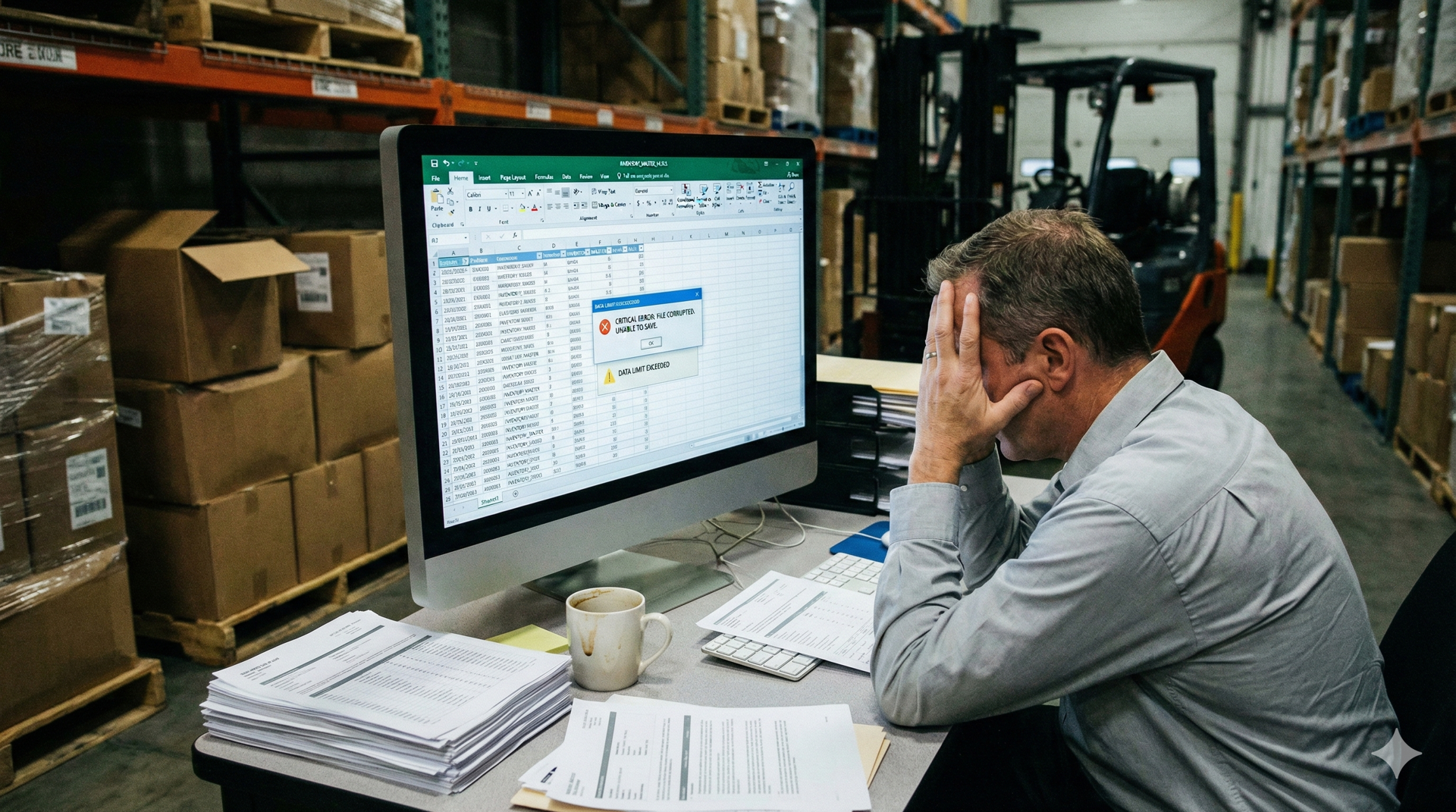
5 Signs Your Inventory Spreadsheet Is About to Break
Excel is the greatest business tool ever invented. It is also the most dangerous place to store your inventory data.
When you started your business, a spreadsheet was the right choice. It was free, flexible, and easy to edit. But as your SKU count grows and your transaction volume increases, that spreadsheet stops being a tool and starts being a liability.
Spreadsheets do not "scale." They just get bigger, slower, and more fragile.
We often talk to warehouse owners in Calgary who wait until the catastrophic failure happens—a corrupted file or a deleted tab—before they look for help. You need to recognize the cracks in the foundation before the house falls down.
Here are the five undeniable signs that your spreadsheet system has reached its limit.
1. You Are trapped in "Version Control Hell"
Go look at the folder where your inventory file lives. Does it look like this?
- Inventory_Master.xlsx
- Inventory_Master_v2.xlsx
- Inventory_Master_FINAL.xlsx
- Inventory_Master_FINAL_REAL_UseThisOne.xlsx
If you have multiple people trying to access the file, someone inevitably saves a local copy. Then they make edits. Then they email it to someone else. Suddenly, you have three versions of reality floating around the office.
If you ever have to ask, "Is this the most current version?" your system is already broken.
2. The "Key Person" Risk (The "Bob" Factor)
In almost every warehouse we visit, there is one person—let's call him Bob—who built the spreadsheet.
Bob knows how the VLOOKUPs connect to the pricing sheet. Bob knows why the macro on the third tab has to be run before you print. Bob is the only one who dares to touch the formulas.
This is a massive operational risk.
If Bob gets sick, goes on vacation, or quits to work for a competitor, your inventory system leaves with him. A robust business cannot rely on the memory of a single employee. You need a system that works regardless of who is in the building.
3. The "Spinning Wheel of Death"
This is a technical limitation, but it has real productivity costs.
As you add rows—sales history, new products, dead stock—the file size balloons. We have analyzed client spreadsheets that were over 50MB.
When you change a quantity and hit "Save," does the screen freeze? Do you have to wait 10, 20, or 30 seconds for the progress bar to finish?
If your staff is waiting on the software, you are losing money. A database (like the one powering Clarity) can handle a million records in milliseconds. A spreadsheet chokes on a few thousand.
4. The Clipboard Gap
Walk out to your loading dock. Are your staff writing inventory counts on paper clipboards?
If the answer is yes, you are doing double work.
1. The human writes it down (Risk: Bad handwriting, lost paper).
2. The human walks to the office.
3. The human types it into Excel (Risk: Typo).
This gap between the physical action and the digital entry is where 90% of inventory errors happen. A modern system requires mobile entry—scanning the item right at the pallet, updating the system instantly.
5. The Trust Test
This is the most important sign.
When a customer calls and asks if you have 50 units of a specific item, do you trust the number in the cell?
Or do you say, "Let me just run back to the warehouse and double-check"?
If you have to physically verify the stock because you don't trust your own data, your spreadsheet is effectively useless. It is no longer a management tool; it is just a rough estimate.
Case Study: The Cost of a Broken Formula
We recently migrated a Calgary-based electronics distributor away from Excel. During the data audit, we found a "broken link" in their master sheet.
For six months, a formula error had been failing to subtract "Returned to Vendor" items from their total asset value. They thought they had $40,000 more in inventory than they actually did.
They were making purchasing decisions and cash-flow projections based on a lie. They didn't catch it because, in a grid of 10,000 cells, one error is invisible.
Excel doesn't warn you when you make a mistake. Clarity does.
Conclusion
If you recognized yourself in any of these five points, you are living on borrowed time.
You don't need to jump to a million-dollar ERP, but you cannot stay here. You need a database that secures your data, enforces logic, and allows your team to work simultaneously without crashing the system.
Don't wait for the file to corrupt. Let's get your data out of Excel and into a secure environment.
Tags
Share this article

Jaron Schoorlemmer
Full Stack Engineer
Expert in secure and scalable web/mobile solutions, cybersecurity, and cloud computing, ensuring robust and reliable applications.
Related Articles
Continue reading with these related articles.